Create a tracked request.
Keep every reply together.
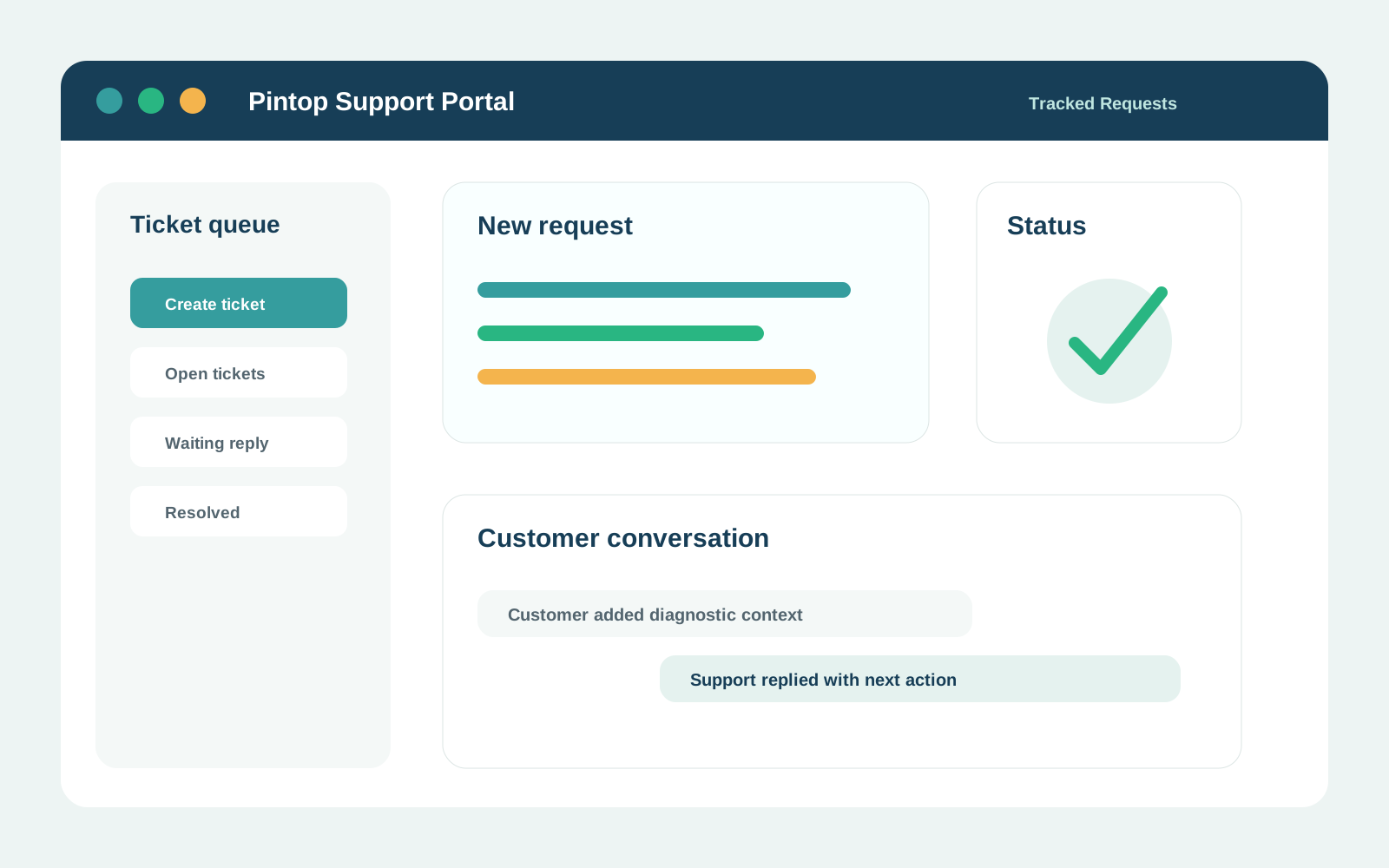
Create a tracked support request, review existing issues and continue the conversation in one place.
Support
ticket portal.
Use the support request area below to create a new issue or continue an existing conversation.
Support request portal
Please sign in
Please sign in
Configure fields for
investigation.
The request form should collect enough information for investigation without asking for secrets.
01
Product
CoreWave CBA, MeVerify, CoreWave 360, Pintop Services, Pintop Training, Website, Other.
02
Category
Access, How-To, Configuration, Bug, API/Integration, Data/Migration, Performance, Billing, Change Request, Security Concern, Other.
03
Impact
Request, Normal, High or Critical. Let the support team reclassify when necessary.
04
Diagnostic context
Environment, affected module, time and timezone, safe reference ID, users affected, expected and actual behaviour.
05
Attachments
Allow sanitised screenshots and documents. Warn against credentials and unnecessary personal data.
Give the support team enough context to investigate.
Include the affected product, environment, time of occurrence, business impact, safe reference identifiers and steps already attempted. Never send passwords, OTPs, private keys or API secrets.