
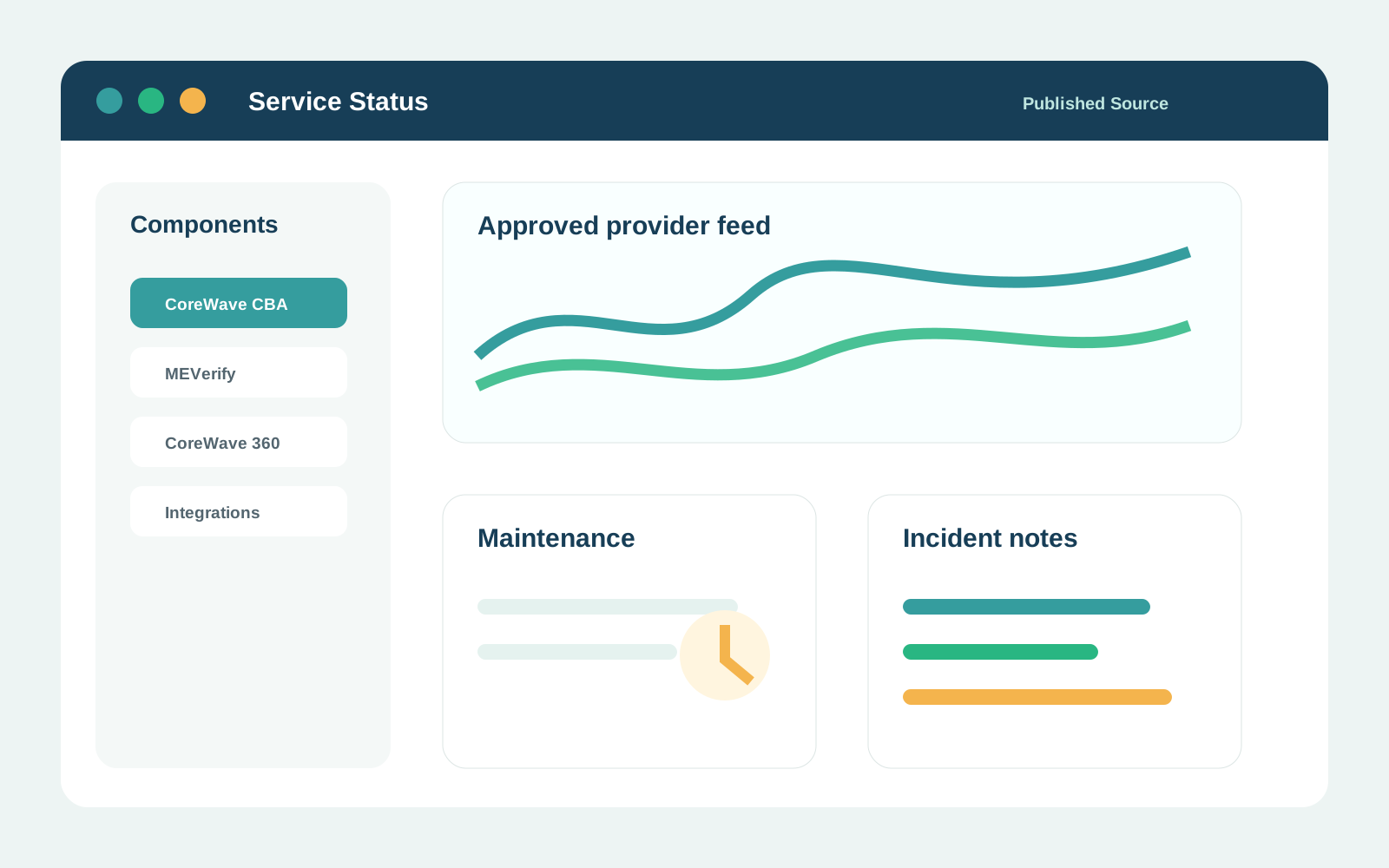
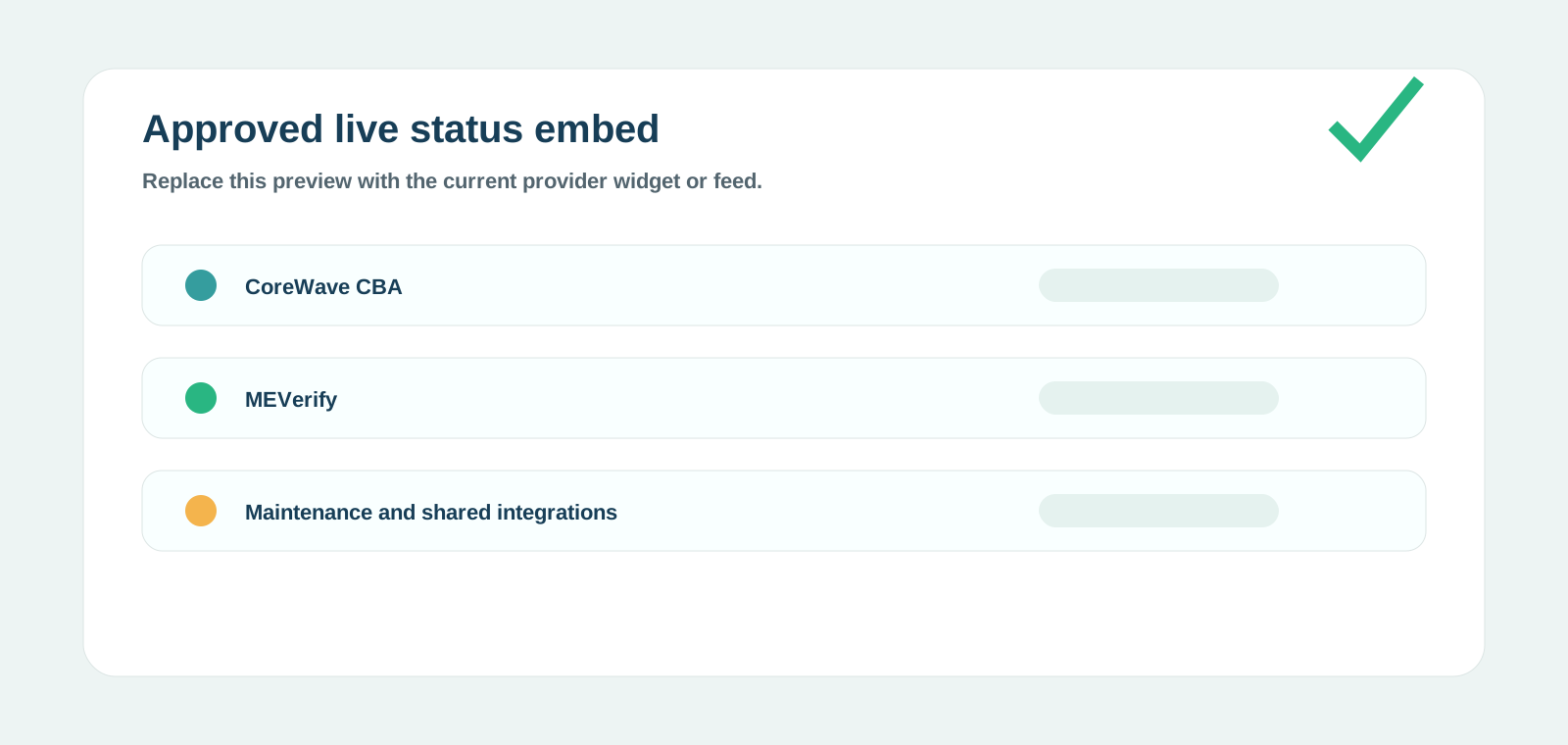
Review published service notices, maintenance information and incident updates. Account-specific issues should still be submitted as a tracked request.
Current service notices and maintenance information appear in this section when available.
Service status overview
For an issue affecting only your account, tenant or integration, submit a tracked support request.
Service notices are organised around the affected product or shared platform area.
Publish notices applicable to the affected deployment model.
Show relevant dashboard, API or verification-service impact.
Show shared-platform notices and maintenance.
Include only when website monitoring is public.
Publish verified third-party impact only.
Show approved windows and expected impact in WAT.
A clear public status page does not rule out an issue limited to one tenant, account, integration or client-controlled environment.
Include the affected product, environment, time of occurrence, business impact, safe reference identifiers and steps already attempted. Never send passwords, OTPs, private keys or API secrets.